
Effective dental web design helps patients understand your services, trust your clinic, and book an appointment without unnecessary steps. It combines clear service pages, mobile-first performance (Google Search Central — Mobile-First Indexing), accessible navigation, local SEO, authentic trust signals, and privacy-aware forms.
If you are looking for the best dental website design, or want to know about landing page dentist, this guide is written primarily for Canadian dental practices, particularly clinics in Vancouver. HIPAA requirements are discussed separately for US practices.
Key Takeaways
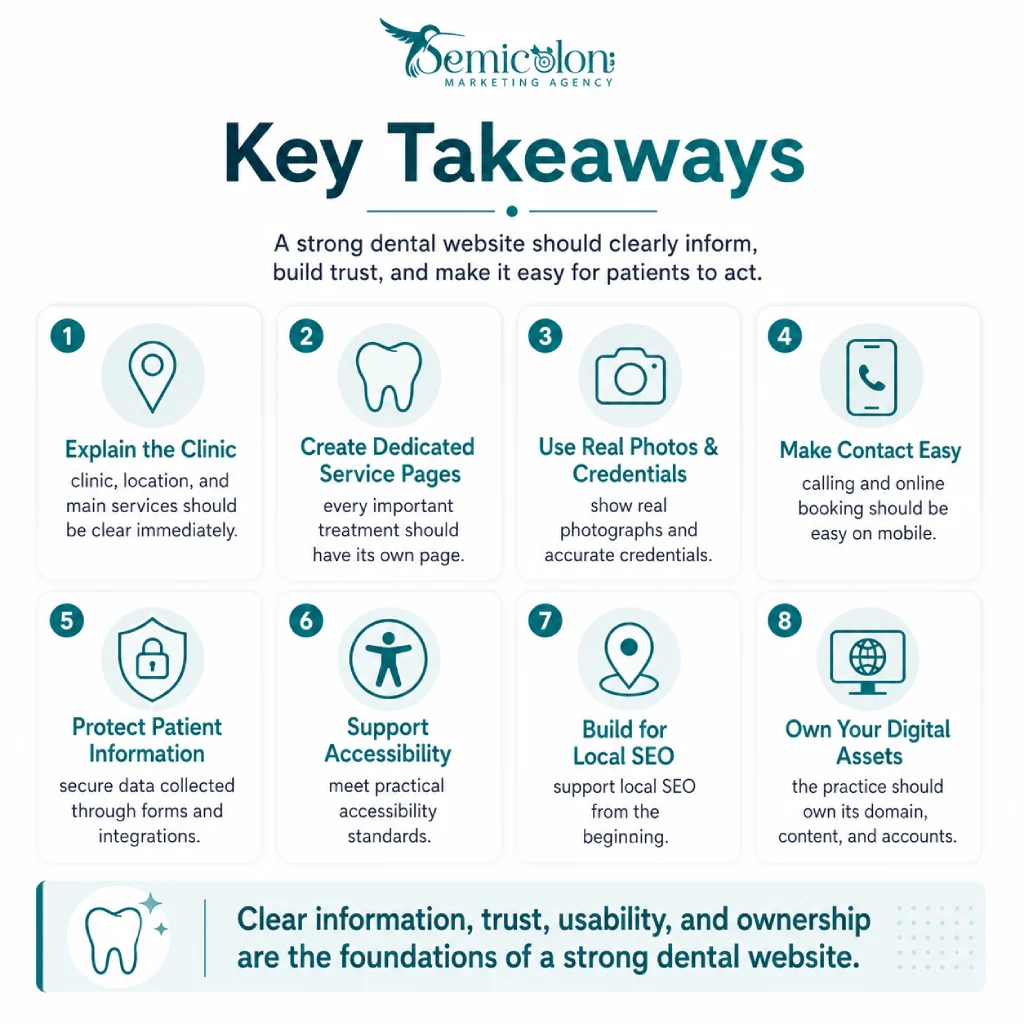
A dental website dentist should:
- Explain the clinic, location and main services immediately
- Give every important treatment its own page
- Use real photographs and accurate credentials
- Make calling and online booking easy on mobile
- Protect information collected through forms and integrations
- Meet practical accessibility standards
- Support local SEO from the beginning
- Give the practice ownership of its domain, content and accounts
What Makes Dental Web Design Different?
Dental web design must answer practical questions while reducing the uncertainty many patients feel before treatment.
A visitor may be in pain, comparing implant options, looking for a dentist for their child or checking whether a clinic accepts their insurance. A generic healthcare template rarely handles all these needs well.
Trust matters before design style
Patients usually want to know who will treat them, what the clinic looks like and what will happen during an appointment.
Real photographs of the team and clinic are more informative than generic stock images. Dentist profiles should include accurate qualifications, areas of practice, languages spoken and professional memberships.
Reviews, patient photographs and before-and-after cases must be genuine and used with appropriate permission. The American Dental Association (ADA( marketing guidance also highlights the ethical and legal responsibilities involved in dental advertising.
Different treatments need different content
A dental cleaning page can be brief. Implant, orthodontic and cosmetic dentistry pages usually require more detail about suitability, treatment stages, recovery, alternatives and cost factors.
The website should support the clinic’s wider dental marketing strategy instead of placing every treatment inside one short services page.
Local information should be easy to find
Dental searches often have strong local intent. The clinic’s address, phone number, opening hours, service area, parking information and booking options should be consistent across the website and business listings.
Clinics targeting a regional market should also connect their dental pages to a broader location-focused service such as Web Design Vancouver.
Which Pages Does a Dental Website Need?
A dental website needs a focused homepage, dedicated service pages, dentist profiles, a contact page, reviews, treatment galleries and useful patient resources.
Each page should have one clear purpose.
What should the homepage include?
The homepage should explain who the clinic serves, where it is located and what the visitor should do next.
| Section | What it should show |
|---|---|
| Hero | Clinic type, location and primary booking action |
| Main services | Direct links to important treatments |
| Trust signals | Credentials, memberships and genuine reviews |
| Team introduction | Real photographs and short profiles |
| Insurance and financing | Accepted plans and available options |
| Clinic information | Address, hours, parking and accessibility |
| Contact options | Click-to-call, appointment form and booking link |
The first screen should not contain several competing buttons. Use one primary action, such as Book an Appointment, and keep secondary options less prominent.
What should a dental service page include?
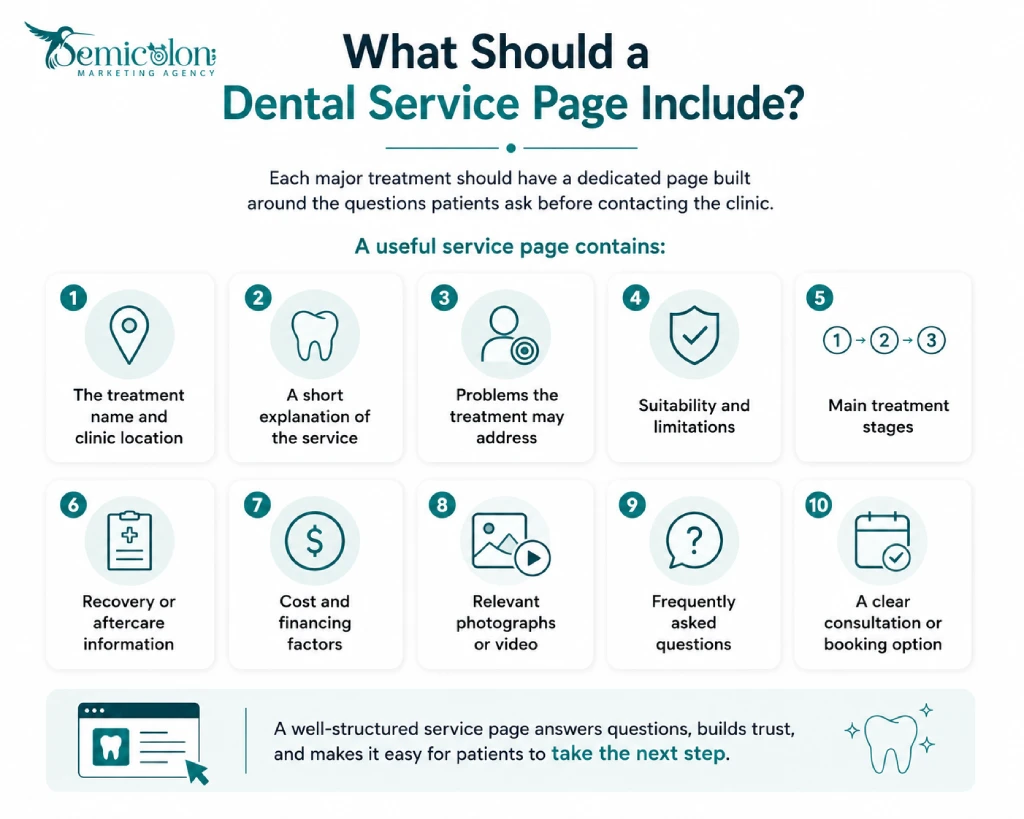
Each major treatment should have a dedicated page built around the questions patients ask before contacting the clinic.
A useful service page contains:
- The treatment name and clinic location
- A short explanation of the service
- Problems the treatment may address
- Suitability and limitations
- Main treatment stages
- Recovery or aftercare information
- Cost and financing factors
- Relevant photographs or video
- Frequently asked questions
- A clear consultation or booking option
A separate dentist landing page may be needed for a paid campaign. Unlike a general service page, it should focus on one audience, one treatment, and one conversion action.
What belongs on dentist profile pages?
A dentist profile should help patients understand the person behind the qualification. Include:
- Education and verified credentials
- Areas of clinical interest
- Professional memberships
- Languages spoken
- Approach to patient care
- A real professional photograph
- Links to relevant services
Avoid unsupported claims such as “best dentist,” “leading specialist,” or “most advanced clinic.”
What should the contact page contain?
The contact page should make visiting or contacting the practice straightforward.
Include the full address, clickable phone number, hours, directions, parking, public transport, accessible entrance information and emergency instructions.
The initial contact form should request only the information needed to respond. Detailed medical histories, diagnostic images and insurance documents should not be collected through a basic form.
Does a Dental Website Need a Blog?
A blog is useful when it answers genuine patient questions and supports relevant treatment pages. Useful topics include:
- What to expect after a dental implant
- When tooth pain needs urgent care
- Invisalign treatment timelines
- Veneers versus crowns
- Causes of tooth sensitivity
- Preparing a child for a first dental visit
Generic articles published only to increase page count add little value.
How Should a Dental Website Improve Conversions?
A dental website generates more enquiries when the next step is clear, credible and easy to complete.
There is no universal conversion rate for every dental website. Performance depends on traffic quality, location, treatment value, page intent and how a conversion is measured. Clinics should compare results against their own analytics rather than an unsupported industry average.
Use one clear primary action
The primary CTA should reflect the clinic’s actual process:
- Book an appointment
- Request a consultation
- Call the clinic
- Check availability
- Ask about treatment options
Place it in the header, hero section, after important service information, and near the end of the page. Repeating a useful action is acceptable; repeating aggressive sales language is not.
Make mobile contact simple
The mobile header should include a visible click-to-call option. Forms should be short, buttons should be easy to tap, and navigation should not require precise movements.
Google uses the mobile version of website content for indexing and ranking, so the mobile site should contain the same essential content, metadata, internal links and structured data as the desktop version. See Google’s mobile-first indexing guidance at Google for Developers.
Use online booking carefully
Online booking can reduce friction, particularly outside clinic hours. The system should make clear whether the requested time is confirmed immediately or requires staff approval.
It must also connect reliably with the clinic’s scheduling workflow. A visually attractive booking tool is not useful if it creates duplicate appointments or loses enquiries.
Keep forms short and specific
An initial form may request:
- Name
- Phone number or email
- Preferred contact method
- General reason for the enquiry
- Preferred appointment time
Sensitive information should be handled through an appropriately secured system rather than a general website form.
Monitor real performance
Use analytics to measure meaningful actions such as completed forms, click-to-call activity, online bookings and visits to location pages.
Google Page Speed Insights can help identify performance issues, while the Web.dev —Core Web Vitals guidance explains the main loading, responsiveness and visual stability metrics.
Large photographs, autoplay video, excessive scripts and poorly configured booking widgets are common causes of slow dental websites.
What Privacy Rules Apply to Dental Websites?
The applicable privacy rules depend on the clinic’s location, the information collected, and the vendors that process it.
Using HTTPS is necessary, but it does not make an entire website compliant by itself.
What applies to Vancouver dental clinics?
Private-sector dental practices in British Columbia should consider the province’s Personal Information Protection Act, or PIPA.
BC’s PIPA governs how private organizations collect, use and disclose personal information. The provincial government provides a guide to protecting personal information, while the full legislation is available through the BC Laws website.
Office of the Privacy Commissioner of Canada (PIPEDA) may also be relevant in certain commercial, interprovincial or cross-border situations. The Office of the Privacy Commissioner of Canada explains that organizations subject to PIPEDA must obtain meaningful consent for collecting, using and disclosing personal information. Review its meaningful consent guidance.
A Canadian clinic should not copy a US HIPAA checklist and assume it meets provincial requirements.
When does HIPAA matter?
HIPAA is relevant to US covered entities and business associates that create, receive, maintain, or transmit protected health information.
The US Department of Health and Human Services explains when a vendor may be considered a business associate and when a Business Associate Agreement may be required. See the official HHS.gov — HIPAA in Marketing/Web business associate guidance.
Do not call a form or hosting service “HIPAA compliant” based only on encryption or a vendor badge.
What should a privacy review cover?
Review:
- Information collected by each form
- Purpose of collection
- Consent language
- Data storage location
- Encryption in transit and at rest
- Staff and vendor access
- Retention and deletion procedures
- Booking, chat and SMS providers
- Analytics and advertising scripts
- Privacy notices
- Patient photographs and testimonials
Privacy requirements vary by jurisdiction. This information does not replace legal advice.
How Do You Make a Dental Website Accessible?
An accessible dental website allows more patients to navigate content, understand forms and complete bookings without avoidable barriers.
Accessibility should be considered during design and development, not added as a final checklist.
The Web Content Accessibility Guidelines 2.2 organize accessibility around four principles: content should be perceivable, operable, understandable and robust.
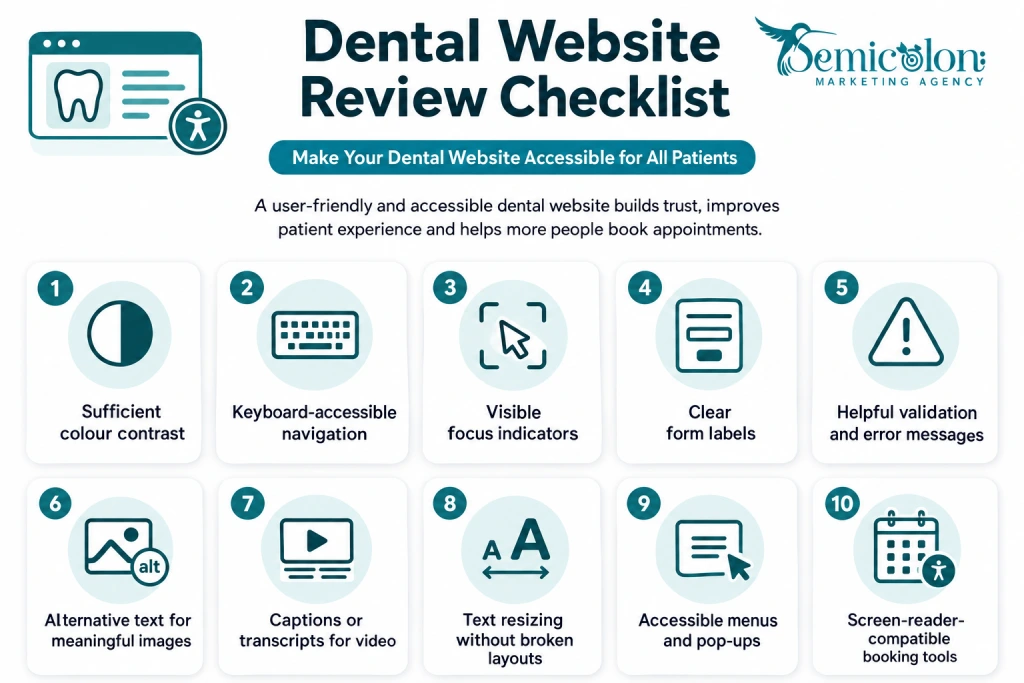
A practical dental website review should include:
- Sufficient colour contrast
- Keyboard-accessible navigation
- Visible focus indicators
- Clear form labels
- Helpful validation and error messages
- Alternative text for meaningful images
- Captions or transcripts for video
- Text resizing without broken layouts
- Accessible menus and pop-ups
- Screen-reader-compatible booking tools
Third-party booking systems should also be tested. An accessible website can still fail patients if its most important appointment widget cannot be used with a keyboard or screen reader.
How Do You Optimize a Dental Website for SEO?
Dental SEO should be planned during site architecture, content production and development, not added after launch.
A useful structure may include:
- /services/
- /services/dental-implants/
- /services/invisalign/
- /services/emergency-dentistry/
- /dentists/doctor-name/
- /locations/vancouver/
- /contact/
- /blog/
Every important service should have one primary page for each genuine location. Avoid creating several near-identical city pages or multiple pages competing for the same treatment keyword.
A broader Dental SEO Services strategy can then support local visibility, content improvement, technical performance and authority.
How should headings be structured?
Each page should normally have one descriptive H1 followed by logical H2 and H3 headings.
The first paragraph under each important heading should answer the question directly. Additional detail can follow.
For example:
- H1: Dental Implants in Vancouver
- H2: What Are Dental Implants?
- H2: Who May Be Suitable?
- H2: What Happens During Treatment?
- H2: What Affects the Cost?
- H2: Frequently Asked Questions
Which structured data is relevant?
Relevant structured data may include:
- Dentist
- LocalBusiness
- Organization
- Person
- BreadcrumbList
- WebSite
- WebPage
Schema.org provides a specific Dentist structured-data type. The information in the markup must match what visitors can see on the page.
FAQ sections can still help patients and answer engines, but FAQ markup does not guarantee a visible Google rich result. Google now limits regular FAQ rich results mainly to authoritative government and health websites.
How should internal links be used?
Internal links should guide users to the next relevant answer.
For example:
- An implant guide can link to the implant consultation page.
- An emergency page can link to directions and opening hours.
- A pediatric article can link to first-visit services.
- A service page can link to financing information.
- Dentist profiles can link to treatments they provide.
For additional local visibility ideas, Search Engine Journal has published a practical guide to local SEO for doctors and dentists.
How Should Design Change by Dental Specialty?
Different dental specialties need different content priorities, even when they share the same technical website foundation.
| Specialty | Main design priority | Essential content |
|---|---|---|
| General dentistry | Convenience and familiarity | Family care, prevention, insurance |
| Cosmetic dentistry | Visual evidence | Genuine case galleries and limitations |
| Pediatric dentistry | Parent confidence | First visits, anxiety and child-friendly care |
| Implant dentistry | Education and trust | Suitability, stages, recovery and financing |
| Orthodontics | Treatment journey | Options, timeline and progress |
| Emergency dentistry | Immediate action | Hours, phone, symptoms and directions |
| Sedation dentistry | Reassurance | Options, suitability and safety process |
A pediatric website should primarily answer parents’ questions rather than relying only on bright colours. A focused pediatric dental marketing plan can address this intent in more detail.
Emergency pages should prioritize the phone number, availability, and directions. Cosmetic and implant pages need stronger educational content and authentic case evidence.
How Much Does a Dental Website Cost?
There is no reliable universal price for dental web design because scope, location, content, integrations, and ownership models vary significantly.
The primary market for this article is Canada, so all agency proposals should state prices clearly in Canadian dollars (CAD). US pricing should be labelled separately.
As a broad reference, not a dental-specific Canadian benchmark, Clutch’s July 2026 pricing guide reports that most web development projects listed on its platform cost below US$10,000. This figure should not be treated as a quote for a dental clinic or converted into a guaranteed market average.
A better comparison is based on scope:
| Approach | Usually includes | Main limitation |
|---|---|---|
| Template-led | Basic pages and standard layout | Limited differentiation and flexibility |
| Semi-custom | Custom branding, service pages and standard integrations | May still rely on shared components |
| Fully custom | Bespoke UX, content, development and integrations | Higher cost and longer delivery |
| Multi-location | Location architecture, advanced permissions and integrations | Greater content and technical complexity |
| Subscription | Hosting, support and platform access | Ownership or portability may be restricted |
The quote should separate:
- Strategy and sitemap
- Design
- Development
- Copywriting
- Photography and video
- Booking integration
- Privacy and accessibility work
- SEO setup
- Hosting and maintenance
- Software licences
- Migration and redirects
- Ongoing support
A low initial price may be misleading when essential services are charged separately or the clinic does not own the finished website.
Should You Redesign or Rebuild Your Dental Website?
Redesign the current website when its platform, URLs and technical foundation remain usable. Rebuild it when the existing system prevents meaningful improvement.
A redesign may be suitable when:
- Important pages already rank
- The CMS is still supported
- Existing URLs can be preserved
- Most problems are visual or structural
- Performance can be improved without changing platforms
A rebuild may be necessary when:
- The platform is unsupported
- Security problems are recurring
- Mobile usability is poor
- Basic edits are difficult
- Important integrations cannot be added
- The site contains extensive duplicate content
- The practice is undergoing a major rebrand
A rebuild should include a URL inventory, redirect plan, analytics backup and post-launch monitoring. Deleting established pages without redirects can damage visibility and create broken links.
What Dental Web Design Mistakes Should You Avoid?
The most damaging mistakes create friction, weaken trust or make the website difficult to find.
Avoid:
- Generic stock photos instead of the real team
- A hidden or non-clickable phone number
- One short page covering every service
- Sending all campaign traffic to the homepage
- Long forms requesting unnecessary information
- Unsupported claims or guaranteed outcomes
- Intrusive mobile pop-ups
- Slow, uncompressed galleries
- Inaccessible booking tools
- Duplicate location pages
- Unclear ownership of the domain and website
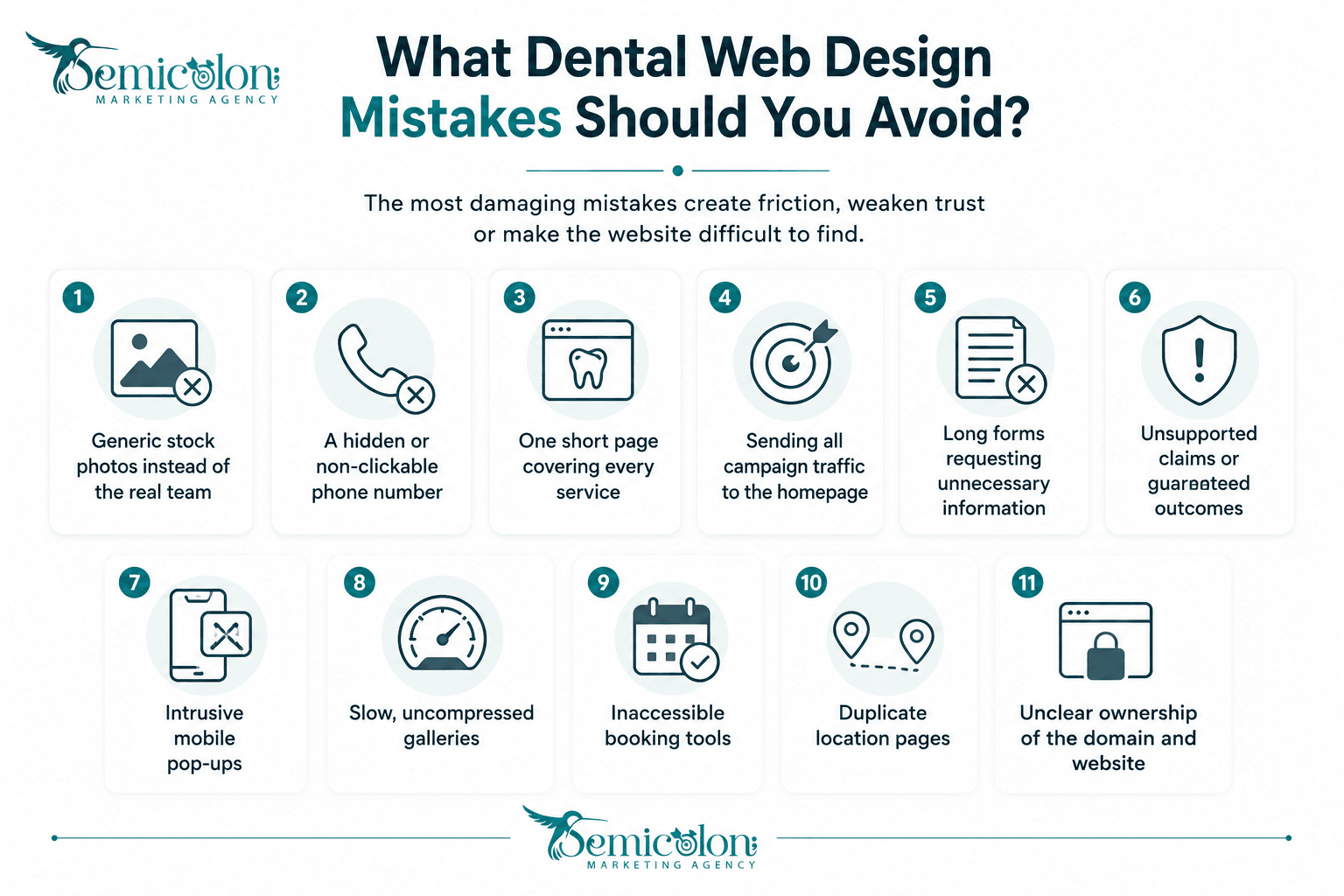
Real photographs, clear service information and practical contact options usually provide more value than complex animation.
How Do You Choose a Dental Web Design Agency?
Choose an agency that can explain its process, ownership terms, privacy approach, SEO plan and post-launch support clearly.
Ask:
- Who owns the domain, content and finished website?
- Can the site be moved to another provider?
- What is included in the quote?
- Which costs continue after launch?
- Who writes and reviews clinical content?
- How are existing URLs and rankings protected?
- How are forms and booking tools assessed?
- How is accessibility tested?
- Which analytics events are configured?
- Can the agency show a relevant case study?
- What support is available after launch?
- Is there a long-term contractual lock-in?
A useful case study should explain the original problem, work completed and measured result. Screenshots without context are not enough.
Be cautious when an agency guarantees rankings, promises a fixed number of patients, claims automatic legal compliance (according to WCAG Accessibility Guidelines) or refuses to provide administrator access.
How long does a dental website take to build?
A custom dental website normally requires several stages, and some can run in parallel.
The following is a planning example rather than a universal industry benchmark:
| Phase | Planning range |
|---|---|
| Discovery and sitemap | 1–2 weeks |
| Content and photography | 2–4 weeks |
| Design | 2–3 weeks |
| Development and integrations | 3–5 weeks |
| Testing and revisions | 1–2 weeks |
| Launch and handover | About 1 week |
The actual schedule depends on page count, approvals, content readiness, photography, integrations, and migration complexity.
Dental Website Design with Semicolon
Semicolon, as the best digital marketing agency, can begin with a structured review of your existing website to identify problems in navigation, content, performance, search visibility and appointment pathways. The findings can then be used to plan focused improvements or a full redesign based on the clinic’s actual priorities. Explore Semicolon’s digital marketing and web design services to discuss the next step for your dental practice.
FAQs
What is the most important part of dental web design?
The website must help patients find the right service, trust the clinic, and take the next step easily. Clear content and navigation are more important than decorative effects.
Does a dental website need online booking?
Online booking is useful when it connects reliably with the clinic’s workflow. The website should explain whether an appointment is confirmed immediately or reviewed by staff.
Is WordPress suitable for dental websites?
WordPress can be suitable when it is securely configured and maintained. The platform alone does not guarantee good SEO, privacy, accessibility or performance.
Does every dental website need HIPAA-compliant hosting?
No. HIPAA applies to relevant US covered entities and business associates. Canadian clinics must assess the federal and provincial privacy rules that apply to them.
Should a dental website show treatment prices?
Show prices when they are accurate and clearly explain what is included. When costs vary by patient, describe the main pricing factors instead of publishing a misleading fixed amount.
How often should a dental website be redesigned?
There is no fixed deadline. Review the site when mobile usability, performance, branding, technology, or service information no longer meets the clinic’s needs.
Who should own the dental website?
The clinic should ideally control its domain, content, analytics accounts and administrative access. Ownership and transfer conditions should be written into the contract.


